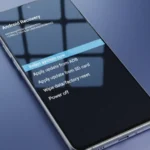
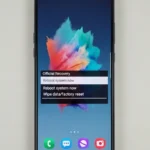
Download M536BXXU2BWA2 Stock Recovery (Android 13) for Galaxy M53

Security Status: SAFE
Scanned by 65+ antivirus engines • No threats detected
Screenshots & Preview
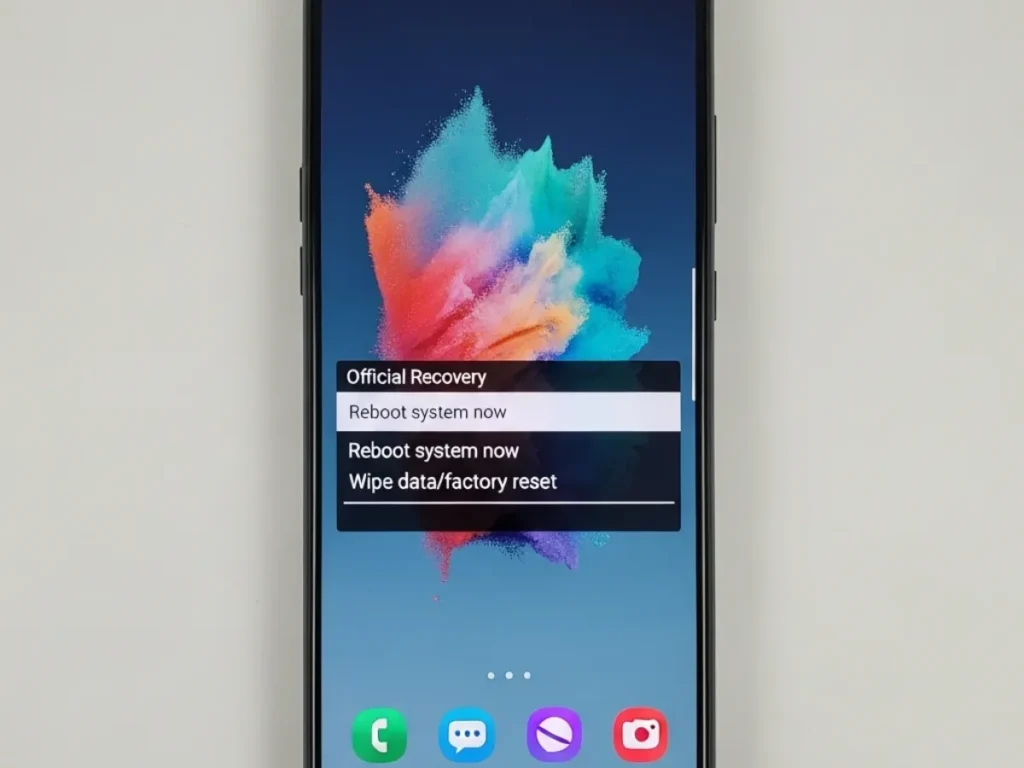
Click on images to view full size (1 images)
| File Name: | STOCK RECOVERY M536BXXU2BWA2 Android 13 T.tar |
|---|---|
| Model: | Samsung Galaxy M53 5G (SM-M536B) |
| CPU Type: | MediaTek Dimensity 900 (MT6877) |
| File Type: | Official Stock Firmware (contains Stock Recovery) |
| Firmware Version: | M536BXXU2BWA2 |
| Android Version: | Android 13 (T) |
| Flashing Method: | PC Odin (Download Mode) |
| Tools Required: | Odin (Samsung Flashing Tool), Samsung USB Drivers |
| Driver Required: | Samsung Mobile Phone Drivers |
| Purpose: | Restore Stock Recovery, Unbrick, Revert to Stock |
| Bootloader Status: | No Bootloader Unlock Required |
Download the M536BXXU2BWA2 (Android 13) stock recovery file for your Samsung Galaxy M53 (SM-M536B). Learn how to flash the .tar file with Odin.
Download M536BXXU2BWA2: Restore Stock Recovery on Galaxy M53 (M536B)
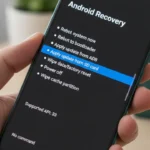
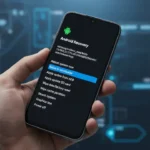
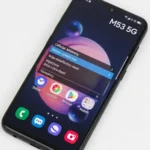
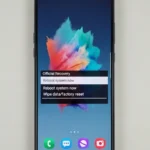
This post provides the official stock recovery file (M536BXXU2BWA2) for the Samsung Galaxy M53 5G (SM-M536B), based on Android 13 (T). This file is used to restore your device’s original recovery partition. This is essential if you have installed a custom recovery (like TWRP) and want to revert to stock to receive official OTA (Over-The-Air) updates.
Why Flash This Stock Recovery File?
Flashing the M536BXXU2BWA2 recovery is the official method to revert from a custom recovery. Unlike flashing a full firmware, this is a smaller, faster process. Flashing official Samsung files does not require an unlocked bootloader.
- Restores the original, official Stock Recovery.
- Allows you to install official OTA updates.
- Reverts your device from TWRP or other custom recoveries.
- A required step before unrooting or restoring to full stock.
Requirements: Tools & Drivers
You must use a Windows PC and the official Samsung flashing tool, Odin.
- Recovery File: The
STOCK RECOVERY M536BXXU2BWA2 Android 13 T.tarfile. - Odin Tool: The latest version of the Samsung flash tool.
- Samsung USB Drivers: Your PC must have the drivers installed to detect the phone.
- Windows PC & USB Cable: A reliable PC and the original Samsung USB-C cable.
How to Flash Stock Recovery on Galaxy M53
This process is very fast and will not erase your data. However, backing up your data is always recommended.
- Install Drivers: Install the Samsung USB Drivers on your Windows PC.
- Boot into Download Mode:
- Power off your Galaxy M53.
- Hold the Volume Up + Volume Down buttons simultaneously.
- While holding the buttons, connect the USB cable to your PC.
- Press Volume Up to confirm and enter Download Mode.
- Launch Odin: Open the Odin executable file on your PC.
- Connect Phone: A blue box under “ID:COM” in Odin will appear, showing the phone is detected.
- Load Recovery File:
- Click the AP button.
- Select the
STOCK RECOVERY M536BXXU2BWA2 Android 13 T.tarfile. - Important: Do NOT load any files in the BL, CP, or CSC slots.
- Start Flashing: Go to the “Options” tab in Odin and ensure “Auto Reboot” is checked. Click the “Start” button.
- Wait: The process is very fast. Your phone will reboot automatically after Odin shows a green “PASS” message.

Conclusion
You have successfully flashed the official Android 13 stock recovery (M536BXXU2BWA2) on your Galaxy M53 5G. Your device is now ready to receive official OTA updates and is back to its original recovery state.
Easy Installation
Simple setup process with clear instructions
Safe & Secure
Scanned and verified free from malware
Fast Download
Multiple mirror servers for fastest download speeds
Minimum Requirements
Recommended
- Latest version with all current features
- Bug fixes and performance improvements
- Security updates and patches
- Compatibility improvements
Rate & Review This Software
User Reviews
No reviews yet. Be the first to review!
About the Author / Developer
📱 Related Apps You May Like
Download Mirror Options
Choose your preferred download server:
How to Install
- Click the Download button above
- Wait for download to complete
- Run the installer file (.exe)
- Follow the installation wizard
- Launch the application
How to Extract (ZIP/RAR)
- Download and install WinRAR or 7-Zip
- Multi-part archives: Download all parts (.part1.rar, .part2.rar) into the same folder
- Right-click on any one part (usually .part1.rar)
- Select "Extract Here" or "Extract to folder"
- Tool will auto-extract all parts